View Organization Access
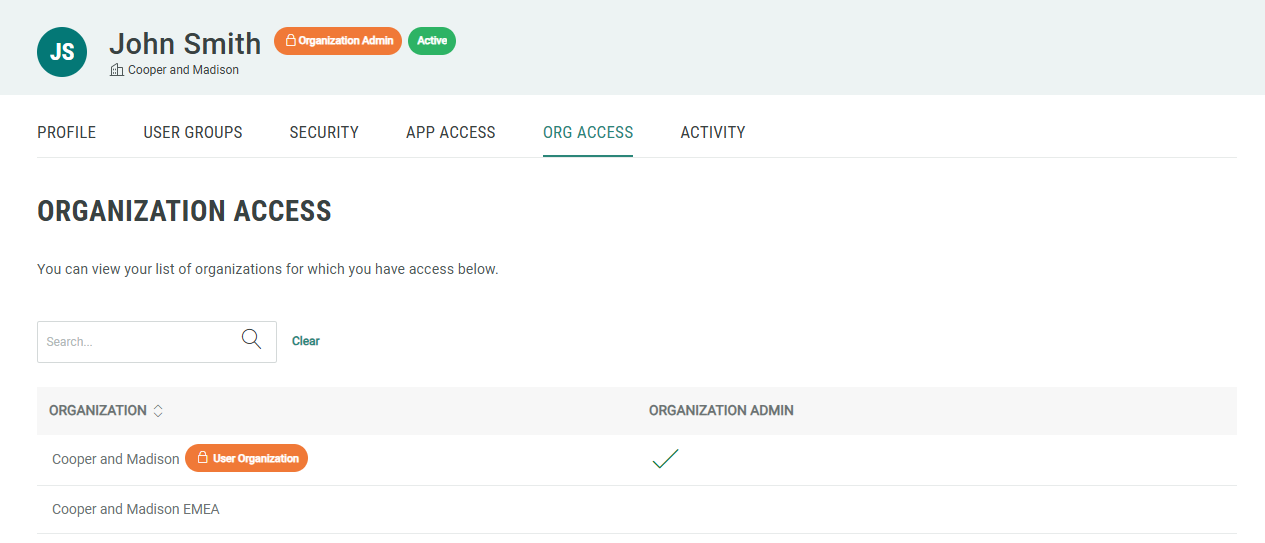
If you are an Organization administrator, you may have access to more than one organization. From within the User Workspace, you can view a list of the organizations to which you have access.
Note: This feature is available for Organization administrators.
To view the organizations to which you have access:
-
Log into the Zeta Login User Workspace. The Profile tab is selected by default.
-
Select the Org Access tab. This tab displays all of the organizations to which you have been granted access, and indicates if you are an Organization administrator.